Firmware & Software
Two ways to configure a DAREU device: the ALL IN ONE desktop app for Windows, or the browser-based ALL in one WEB tool that needs no installation. Both write settings straight to the on-board memory, so your profile travels with the device.
ALL IN ONE app
One Windows installer for the whole desk. Plug in a supported keyboard, mouse or headset and the app loads the matching module rather than making you hunt for a per-model driver.
- Key remapping, macros and layer assignment
- Rapid trigger and actuation depth on magnetic switch boards
- DPI stages, polling rate, lift-off distance and debounce on mice
- Per-key and zone RGB lighting with saved presets
- Firmware updates and on-board profile storage
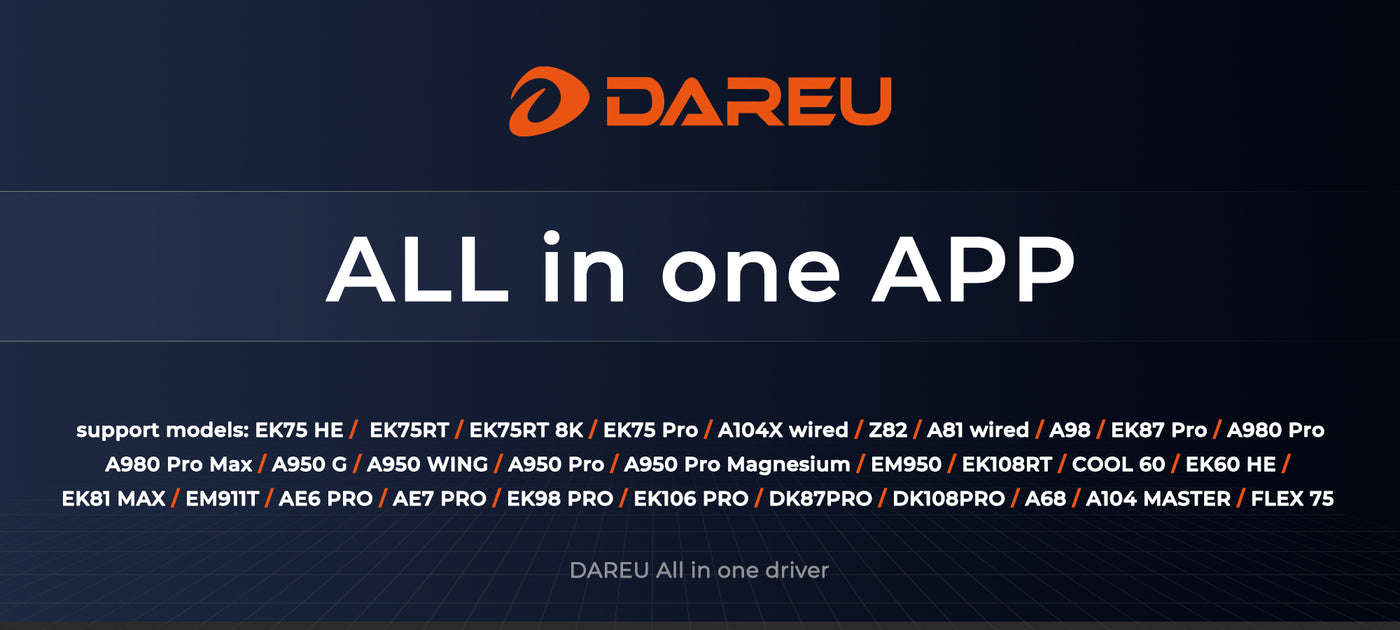

ALL in one WEB
The same configuration surface, running in a Chromium browser with nothing to install. Useful on locked-down work machines, on a friend's PC at a LAN, or when you just want to change one DPI stage and move on.
Connect the device by cable, open the tool and grant the browser permission to talk to it. Settings are written to the device, not to the browser, so they persist when you unplug.
Open ALL in one WEBSupported models
If your model is on this list, use the ALL IN ONE app or the web tool. Anything older has its own installer on the downloads page.
ALL IN ONE app
EK75 HE, EK75RT, EK75RT 8K, EK75 Pro, A104X wired, Z82, A81 wired, A98, EK87 Pro, A980 Pro, A980 Pro Max, A950 G, A950 WING, A950 Pro, A950 Pro Magnesium, EM950, EK108RT, COOL 60, EK60 HE, EK81 MAX, EM911T, AE6 PRO, AE7 PRO, EK98 PRO, EK106 PRO, DK87PRO, DK108PRO, A68, A104 MASTER, FLEX 75.
ALL in one WEB
Mice: A950GM, A950 WING 35g, A980 Pro Max, A950 Pro Magnesium, A950, AE6 and AE6 Pro, AE7 and AE7 Pro, A980 wired, A950 G, A950 GD.
Keyboards: A75 HE, A68, Flex 75, A104 MASTER, COOL 60 and EK60.
Per-model drivers and manuals
Models released before the ALL IN ONE app each have their own driver installer and user manual, including the A98, A87, A84, EK86 and EM9 series. They are grouped by product type on the downloads page.